
01
Direct
Start a task the moment you think of it — from a chat, a terminal, or a GitHub issue.
- Choose model, effort, and Plan, Act, or Work
- Attach files and mention repository context
- Stop or steer a turn in flight
For the developer
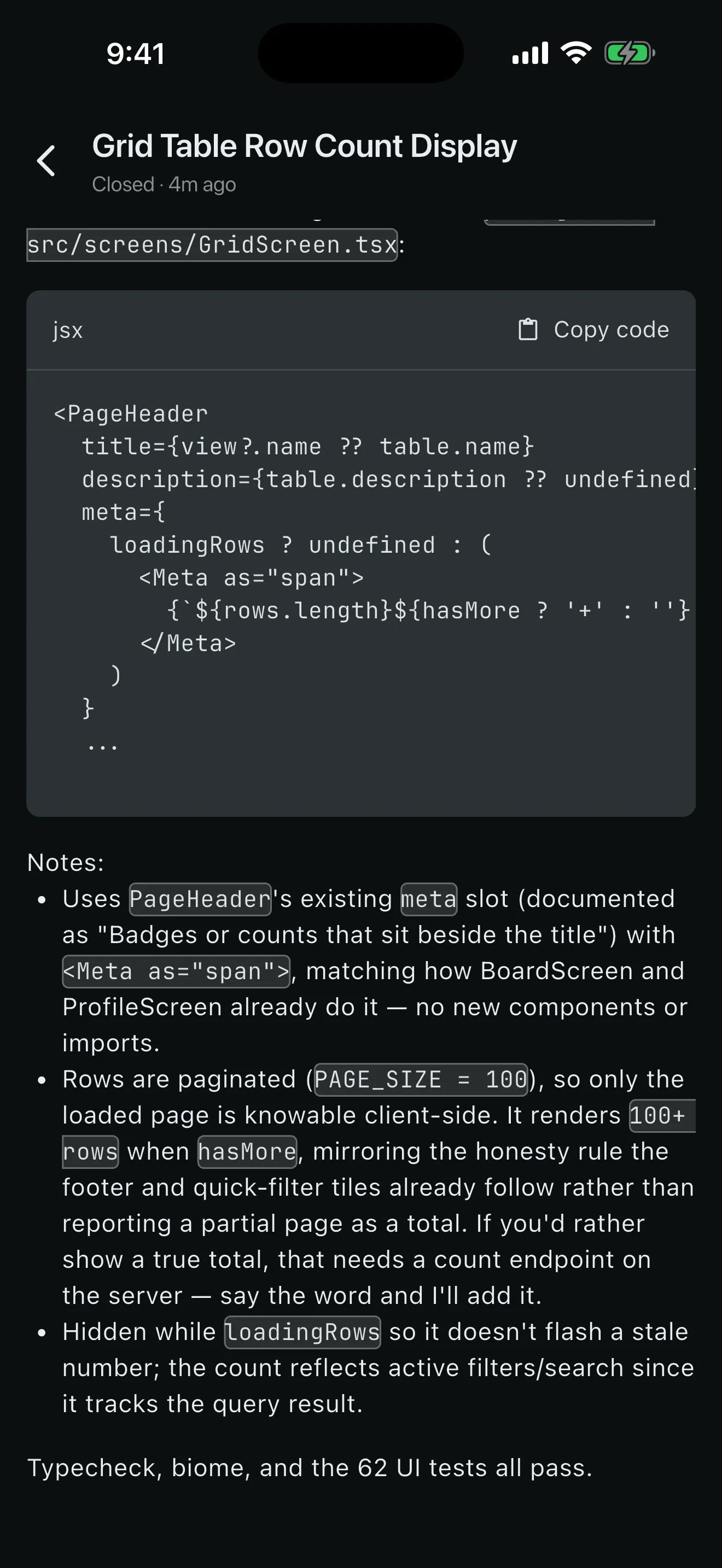
An agent needs you for a minute at a time — a question, the diff, the tests, the merge. PRCHD puts that minute on your phone, while Claude Code, Codex, or Grok keeps working on the computer that already has your clone.
The wait
Reviewing, verifying, and merging are what keep you at your desk, and each one takes a minute. PRCHD moves the review, not the agent: the session keeps running on your computer, and that minute happens on your phone.
Parallel work
A workspace is a branch: one worktree, one branch, one snapshotted base. Parallel work stays apart until you choose to merge it.
main
Direct · Review · Verify · Land
Remote chat gets a task started. PRCHD carries the same session through the real diff, the real checks, and the final branch decision — each one read straight from the worktree on your computer.
Start a task the moment you think of it — from a chat, a terminal, or a GitHub issue.
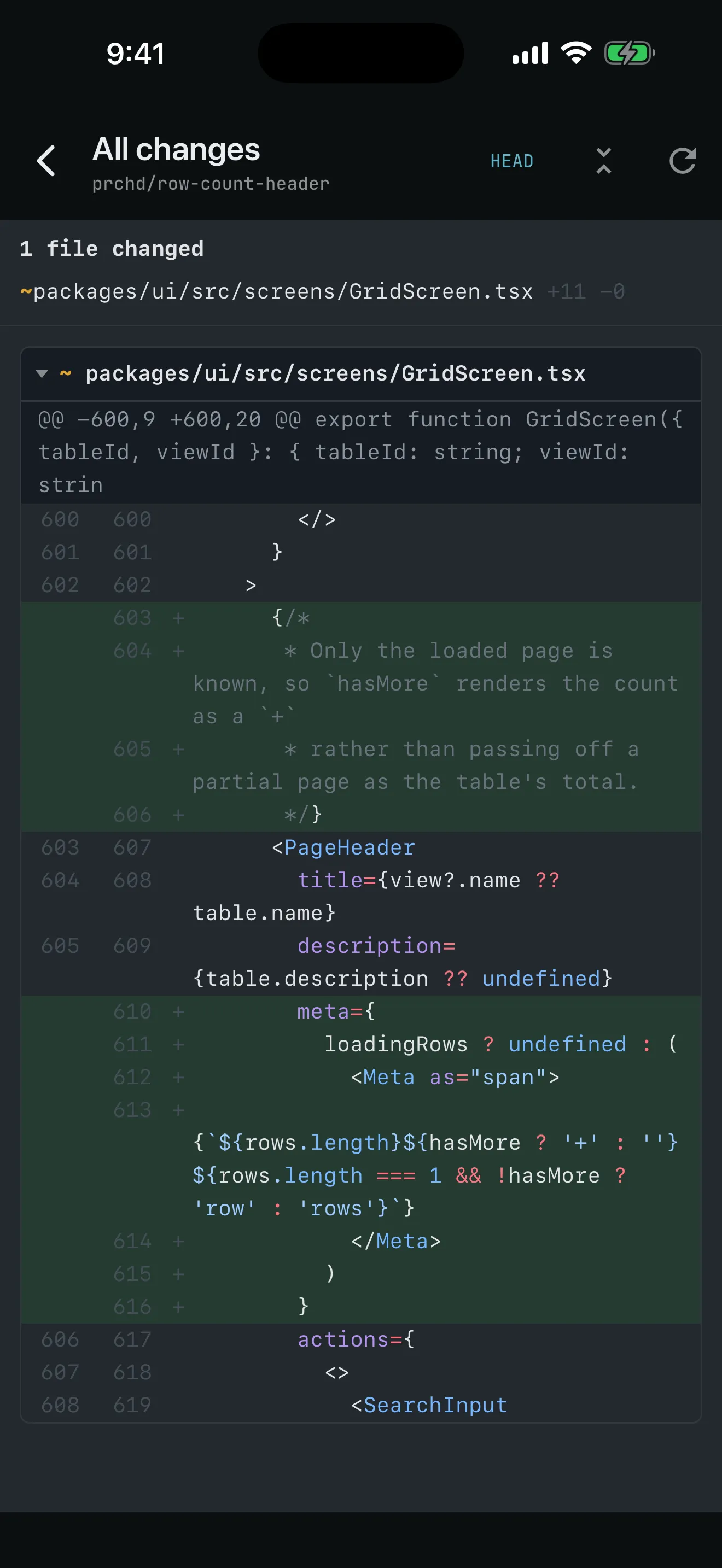
See exactly what changed: the real diff, rendered from the worktree on your computer.
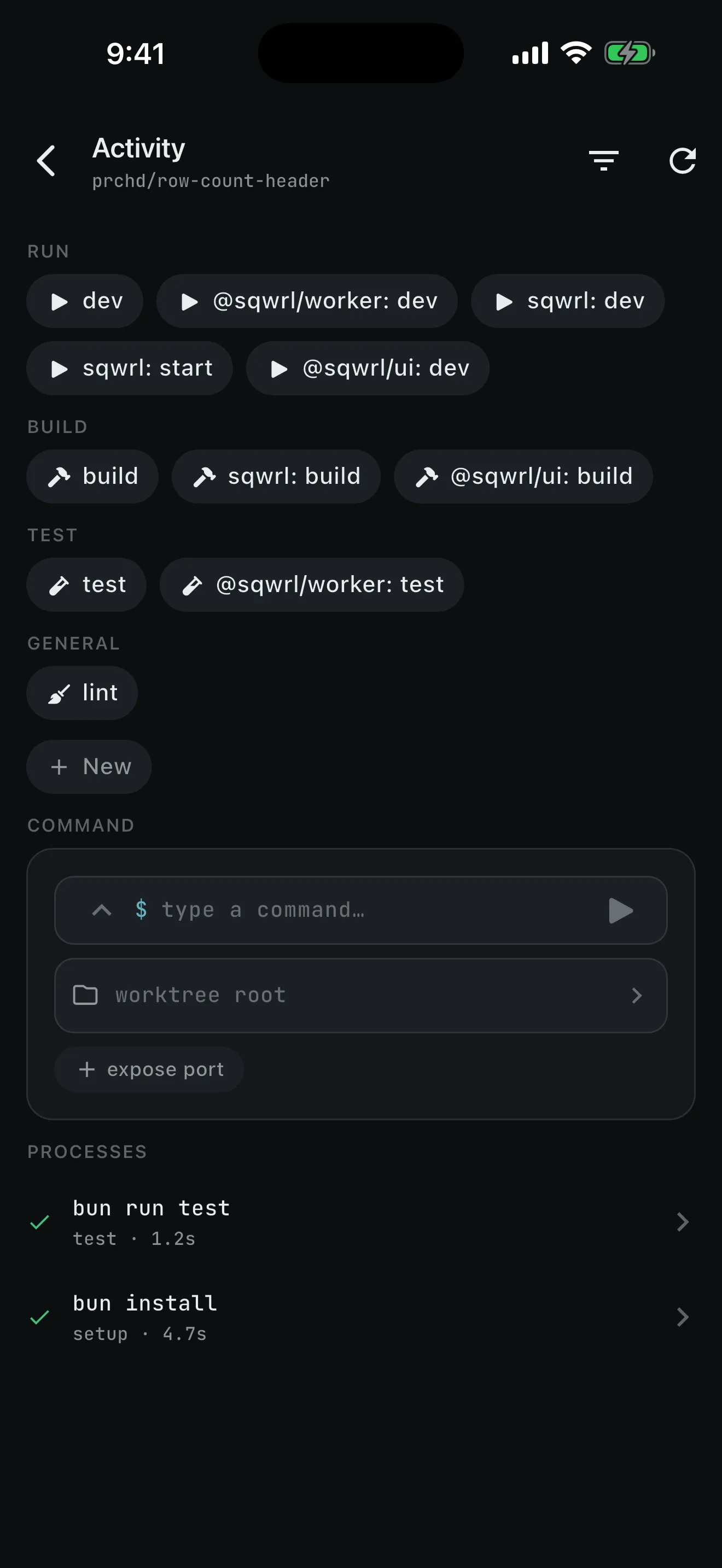
Know it works before it lands — run the checks and the app.
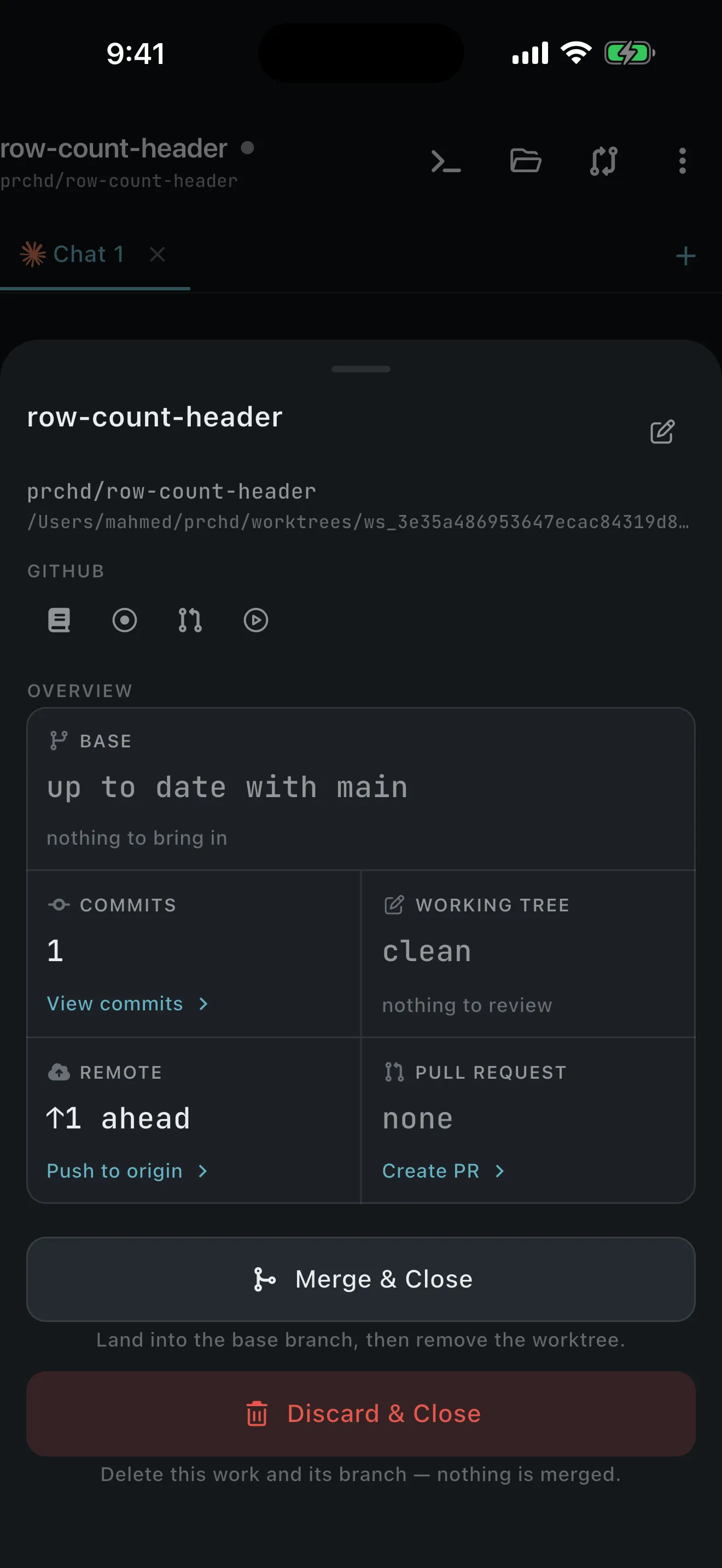
Commit, push, and open the PR — or merge locally and close the workspace.
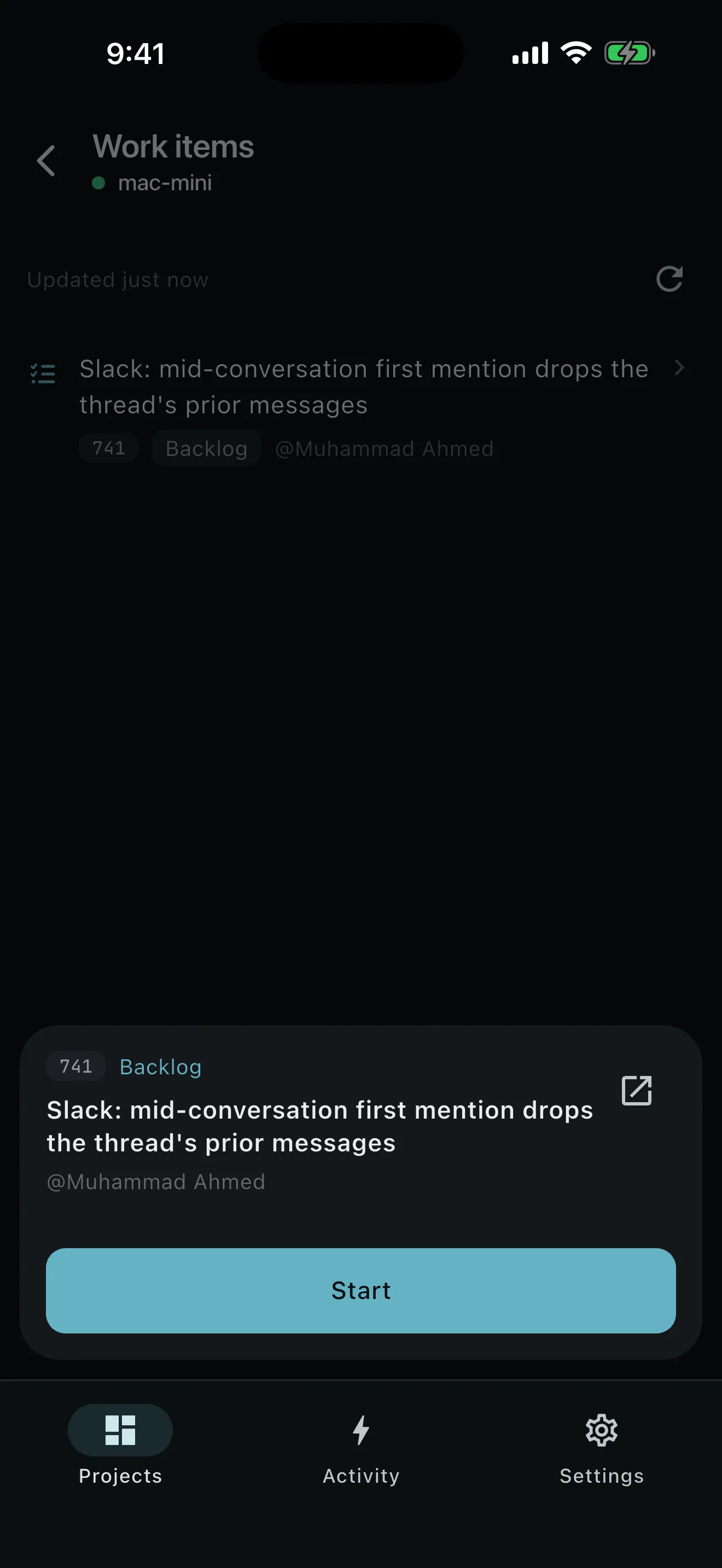
Where work begins
Open a workspace from a GitHub issue or from the item already assigned to you in your team’s tracker — or from a blank brief when the idea is new.
Work items come through the agent’s own tools: the agent on your computer reaches Jira, ClickUp, Shortcut, Linear, or Trello exactly the way its CLI is already configured to. Two built-in recipes read that list and open a workspace from an item. They ship off, and the prompt you write is the whole configuration.
One session, one walk
The work runs on your computer, so the phone can go back in your pocket between steps.
Create a workspace from main and send the first brief while the setup script finishes.
prchd/rate-limit-loginThe session keeps running on your computer. Put the phone away; the turn carries on.
Running shows the chat still working. When the turn finishes, an optional push names the project and workspace and takes you straight back.
Open the real diff, select the exact span, and send a note back to the agent.
src/auth/login.ts +12 −3Run the test button. The complete result returns to the transcript as a durable check.
✓ 42/42Start the dev server and open it on the phone over your tailnet.
:5173Commit, push, and land the branch. A close-time conflict preserves the worktree for the desk.
Refs #214Fifty-one minutes. No desk.
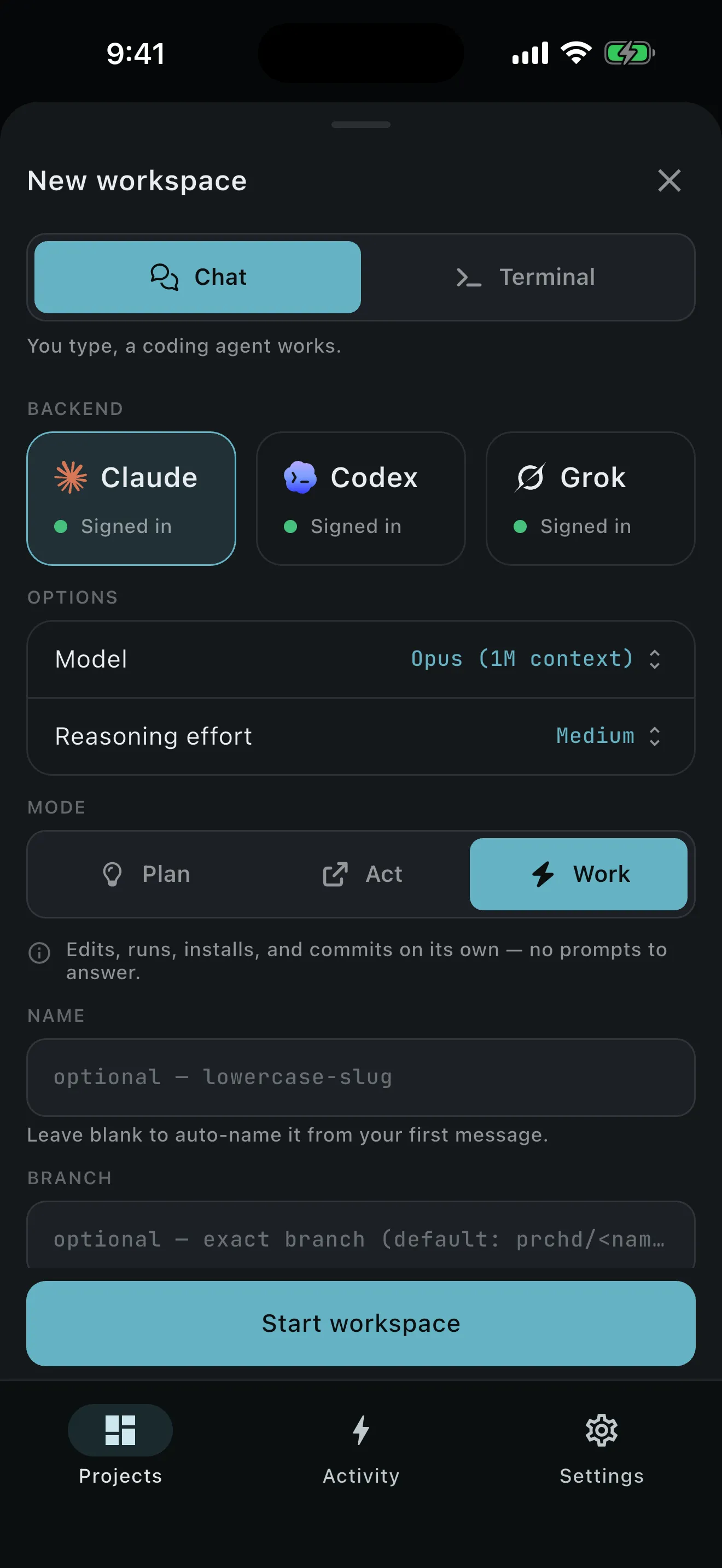
Three agents, one set of controls
PRCHD drives the CLI already signed in on your computer — Claude Code, Codex, or Grok — with one set of controls for all three: model, reasoning effort, and Plan, Act, or Work.
Several branches at once
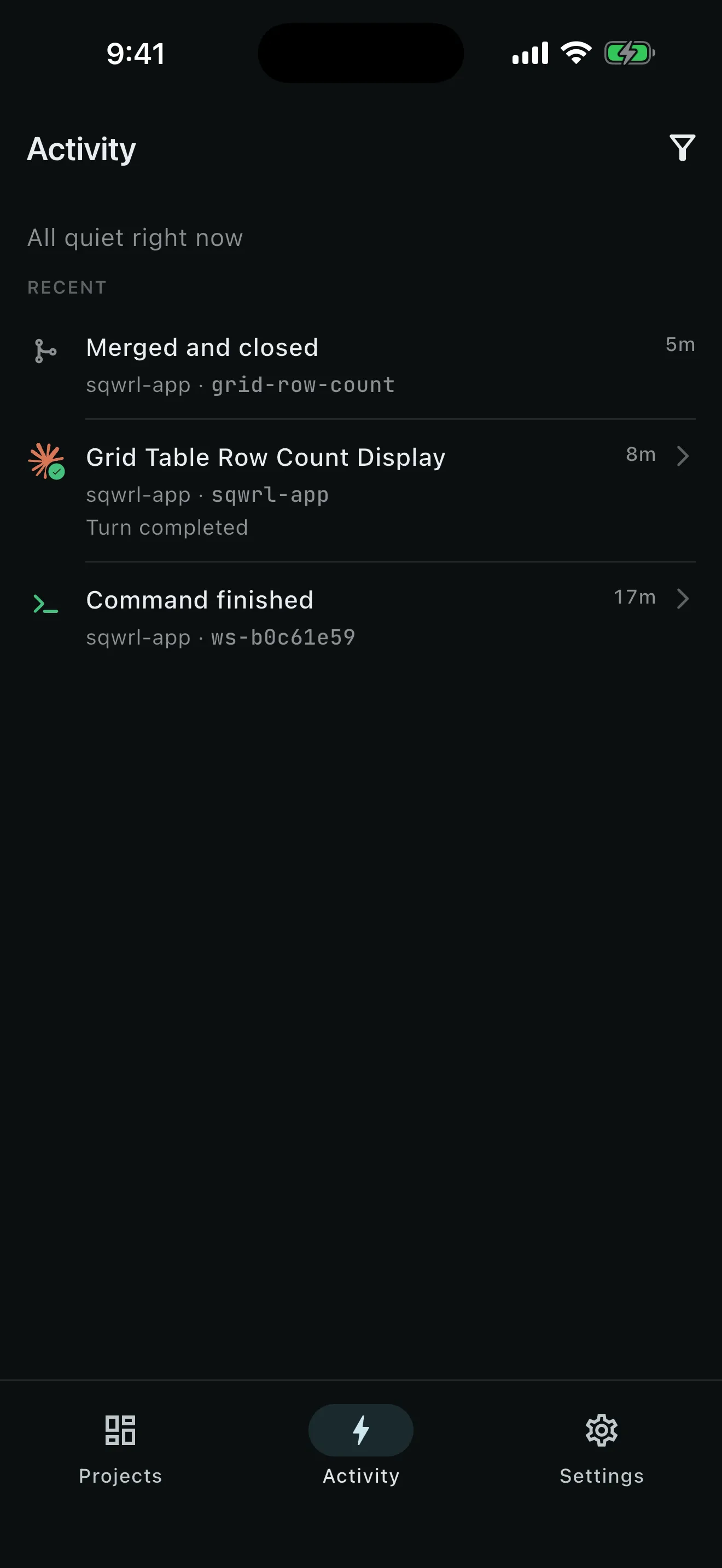
Activity answers three questions across every computer you’ve paired: what needs you, what is running, and what happened recently.
Setup failures, sign-in, unresolved merges
Chats and PR reviews with elapsed time
Commands, commits, pushes, and outcomes
Unattended, on your own machine
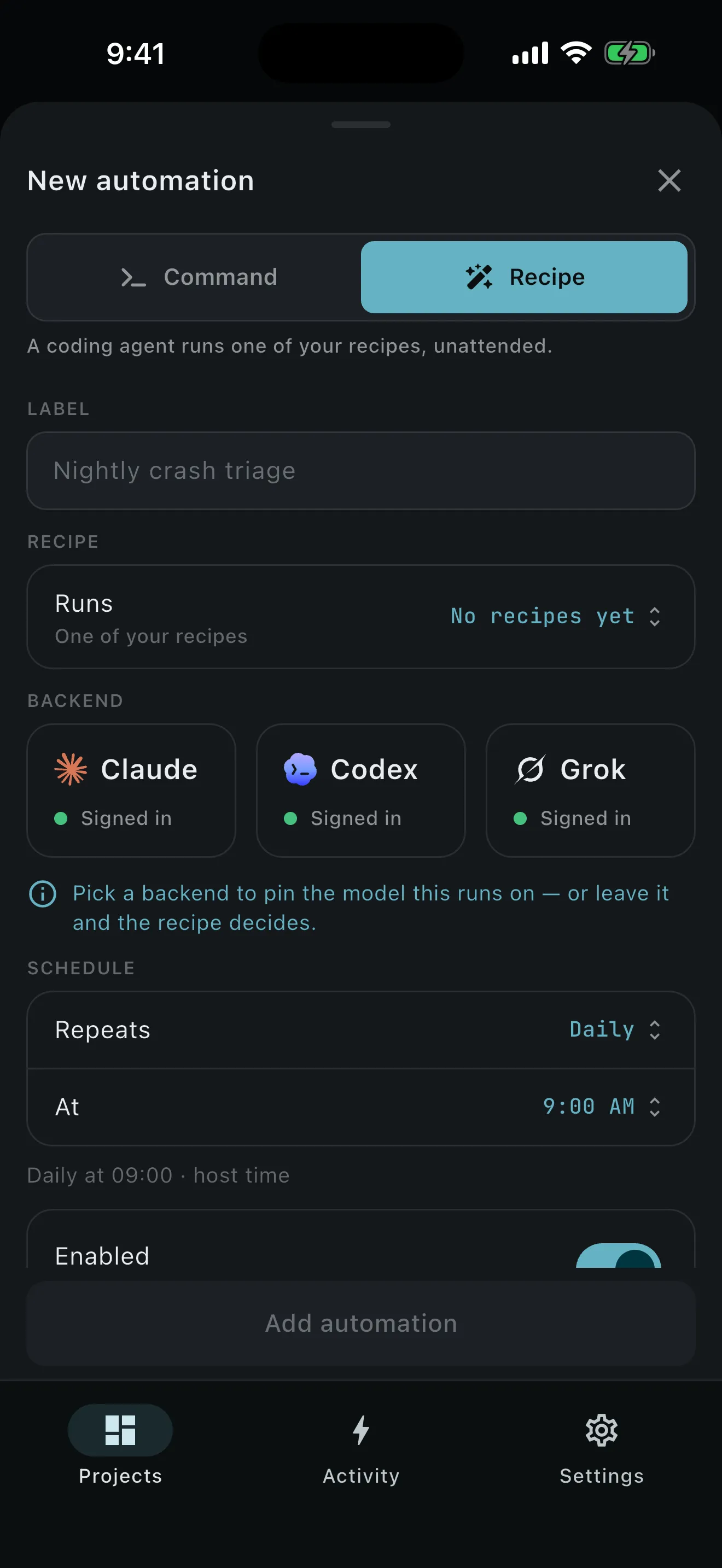
Work that waits for you to find time can run on a schedule instead. A recipe is a stored prompt with a posture — put one on five-field cron and it runs on your computer with no phone attached.
Where your code lives
Repositories, worktrees, prompts, transcripts, diffs, command output, attachments, environment values, and the event log stay on the computer you installed PRCHD on — the one that already has your code and your tools. The agent works there, so there is nothing to copy into a hosted environment and nothing uploaded to be indexed.
One small public service handles what a computer with no open port can’t do on its own: it enrolls your computer’s identity, forwards short push notifications, and holds webhook deliveries until your computer collects them. Each delivery is sealed to your computer’s public key the moment it arrives, so the service only ever holds ciphertext, and it is never in the path of your work.
What you need
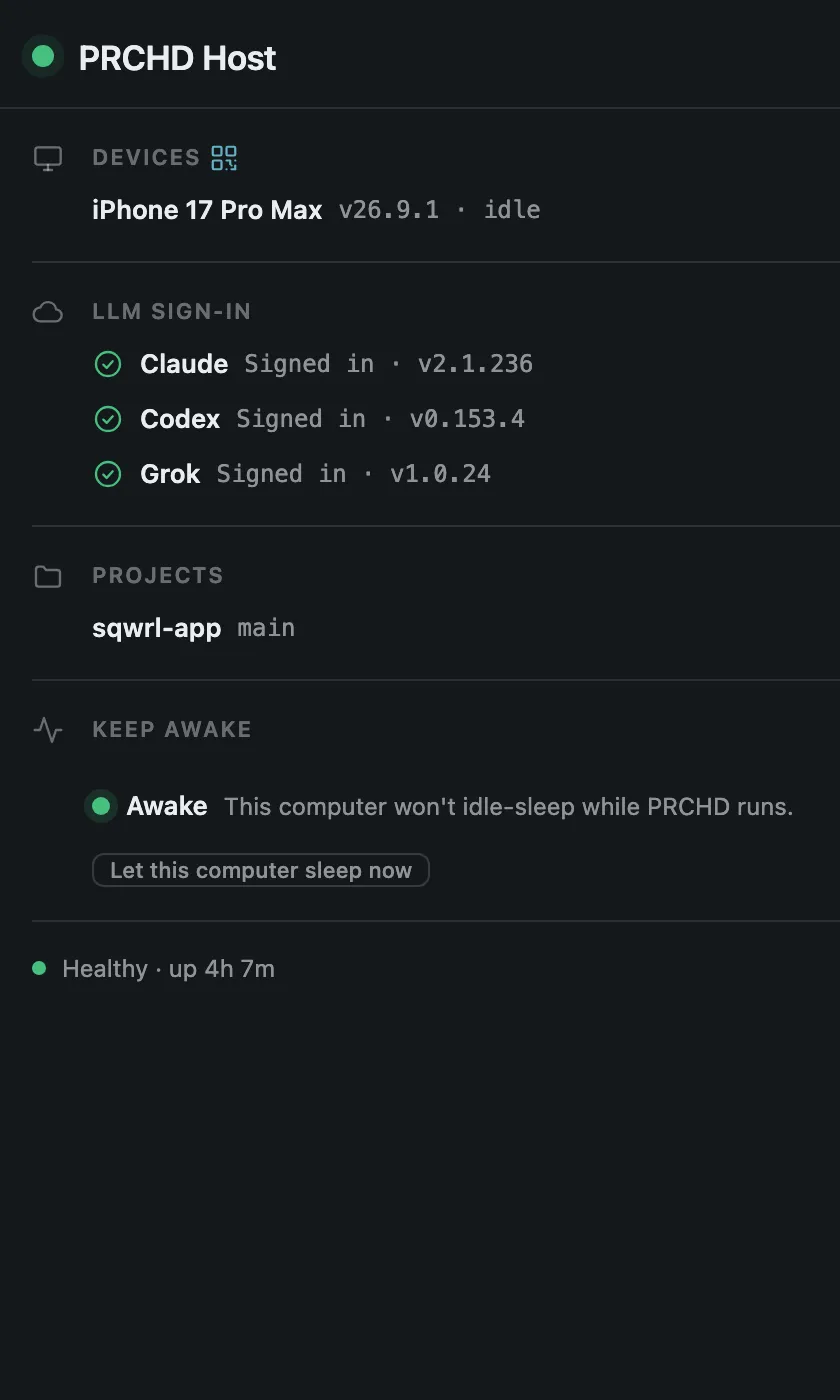
Start with the host on your computer — everything else connects to it. Tailscale gives your phone a private route there.
Optional A GitHub remote and the gh CLI signed in on your computer.
Standing watch
Install the host on your computer, pair your phone over your tailnet, and let the next turn finish while you’re at lunch.
Your team can also run a shared host and ask it questions in Slack. That’s a different computer and a different page — see PRCHD for teams.