
For the developer
Let your computer work overnight
The full test suite is too slow to run while you work. The repeated audit belongs on a schedule. Both still need what daytime work gets: a branch, a history, and a reviewer.
Schedule it tonight. Read the outcome in the morning.
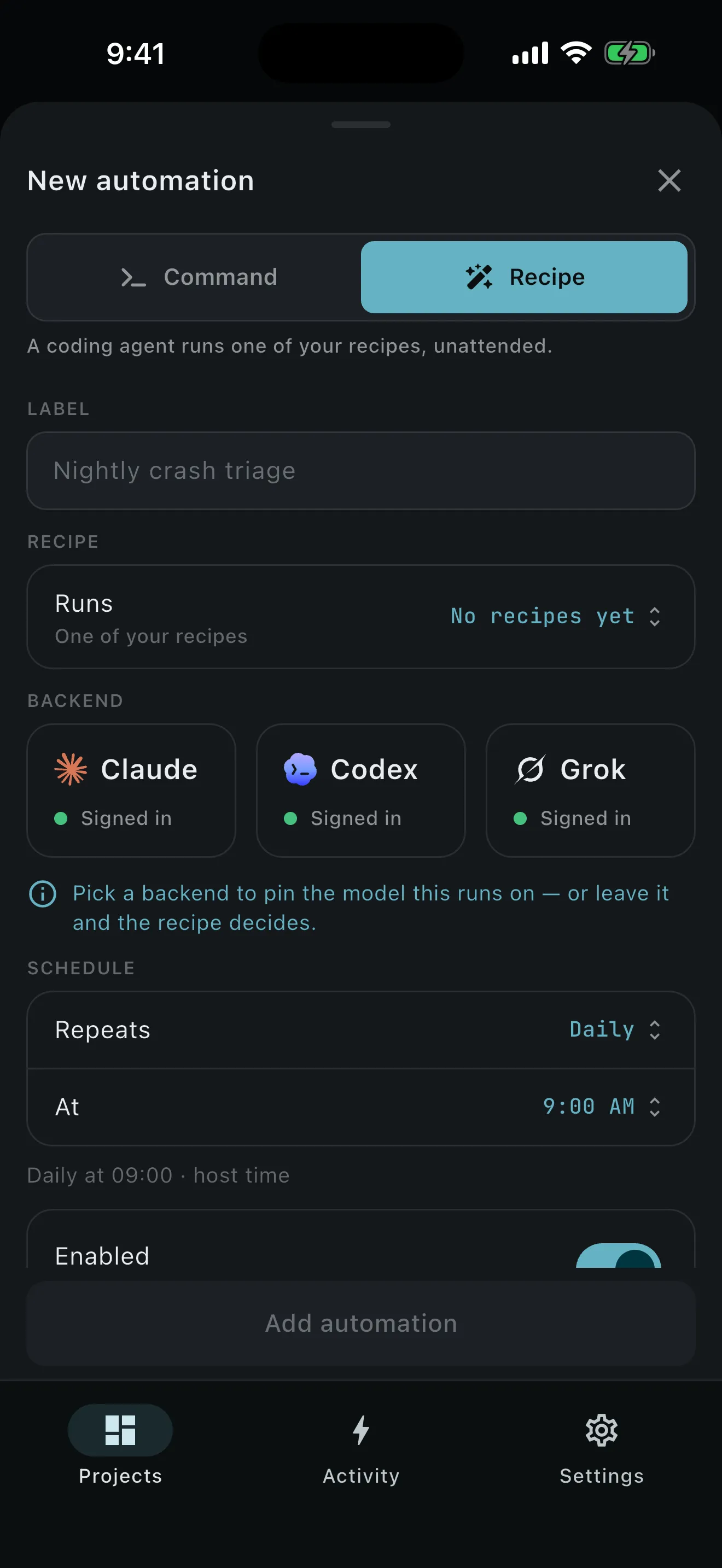
- Choose the unit of work. Schedule a literal command, an existing command button, or a named recipe.
- Set the cron expression. PRCHD uses standard five-field cron at minute granularity in your computer’s local timezone, such as
0 2 * * *. - Decide on catch-up. One optional catch-up run can fire after a window your computer missed while it was down.
- Leave the phone out of it. The schedule belongs to the project on your computer. It fires with no phone attached.
- Open Activity in the morning. The run records start, end, outcome, related workspace or process, retention, summary, and error.
- Inspect only what matters. Successful worktree runs stay only when there is work to review. Failures stay for diagnosis. Empty scaffolding is removed.
Your checkout is how you left it.
The branch you left checked out is the branch you come back to. Command automations and workspace recipes run in a fresh worktree created when the schedule fires. Project recipes run in the project root in Plan or Act mode and leave files unchanged. Running a schedule manually uses the same dispatcher and leaves the next cron time where it was.
Recipes are records you author in PRCHD, on your computer or your phone, scoped to one project or to every project on the host. Kind, model, effort, mode, and deliverable are fields on the recipe; the prompt is sent verbatim.
On your own computer, the schedule fires and you read the outcome in Activity. On a computer a team shares, the same cron line can deliver into a Slack channel instead — that story is the morning brief.
What fires at 2 a.m. is exactly what you wrote.
A schedule you can predict is a schedule you can sleep through. PRCHD reads recipes from its own records rather than scanning the repository for recipe files, so nothing in a checkout can become a scheduled action: the only prompt an automation can run is one you authored in PRCHD. Deleting a recipe is refused while an automation still schedules it, and what you wrote changes only when you edit it.
Time is all a schedule knows.
Automations are time-based. A window missed while your computer was asleep is skipped rather than backfilled, unless you enable the one catch-up fire. A slow run never stacks: if last night’s suite overruns its next occurrence, the next fire joins the one already in flight rather than starting a second. An agent task can still come back with nothing useful; the durable history tells you what actually happened.
When the start should be an event rather than a time, that is a webhook trigger. It binds one project, one recipe, and one verifier to a URL on the PRCHD service; the host collects the delivery outbound and opens no port to do it. Same recipes, same postures, a different starting gun — a crash at 02:14, triaged before anyone wakes up.
Optional notifications can report an automation outcome once your computer connects to the PRCHD notification service. The payload names the project and the automation, with a fixed event kind, an outcome, and opaque routing ids. The command, recipe text, file paths, command output, errors, and agent prose are left out.
Let the slow work run while you sleep.
Schedule it on your computer tonight. Review the outcome, and any branch it kept, when you’re ready.