Download

Start where your agents run.

Your phone and Slack are remote controls. The host is what they reach: the computer that holds your code and runs your agents. Install it first, then pair a phone over your tailnet or bind Slack channels on a computer the team shares.

Install this first

PRCHD for macOS

The menubar host runs your agent CLIs, owns every worktree and process, and serves your phone directly over Tailscale.

Download the DMG
Version
26.8.1
Requires
macOS 13.0+
Architecture
Apple Silicon
Distribution
Signed · notarized

Drag PRCHD to Applications before the first launch so it can update itself — a translocated copy can’t.
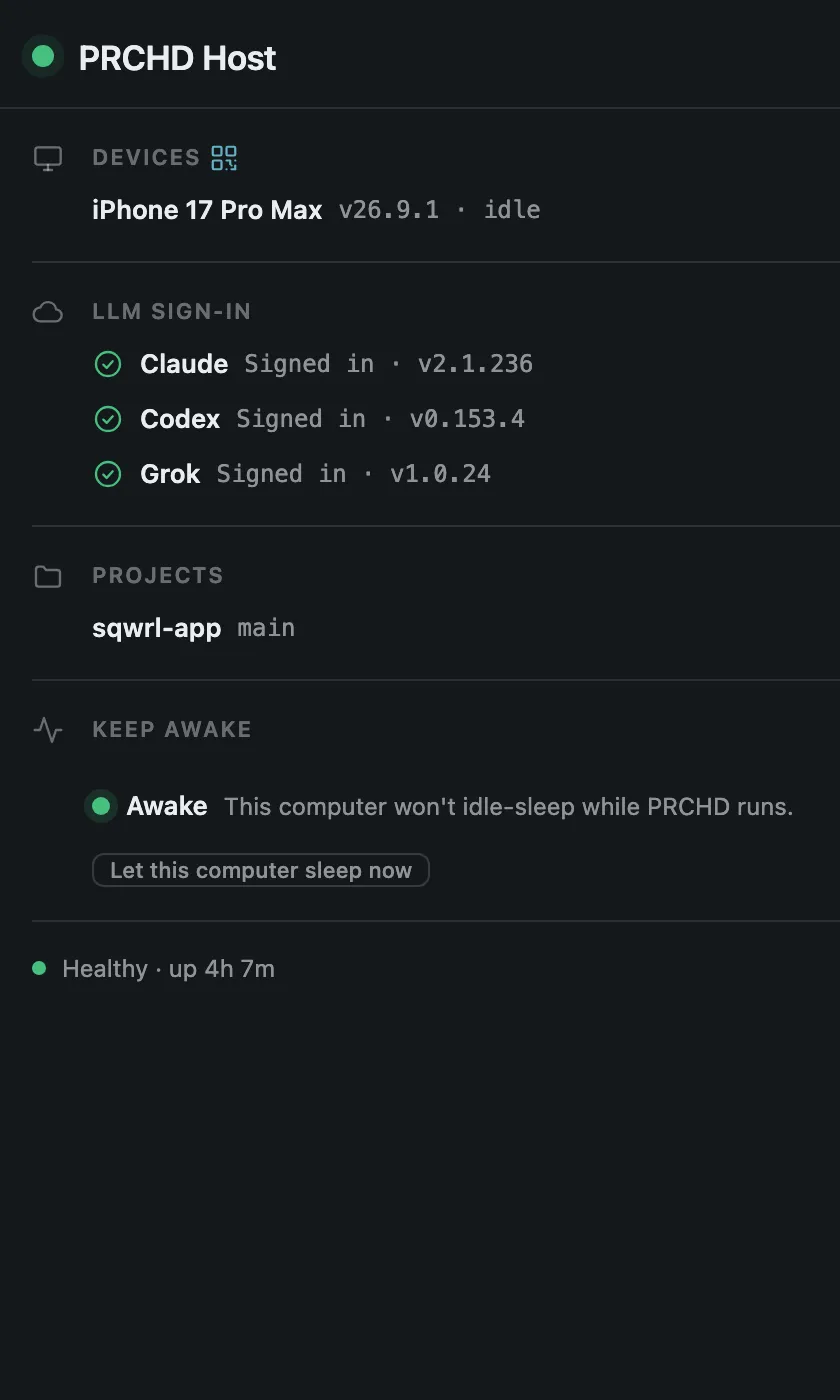
PRCHD menubar popover with the host beacon, paired devices, and active sessions

Installing on a shared computer?

The same DMG runs a team host.

What changes is the part after launch: you bind Slack channels to projects and leave the host unpaired. Tailscale and the phone app belong to a personal host, so a team host skips both. Read these two first.

Optional · pair a phone

PRCHD for iPhone, iPad, and Android

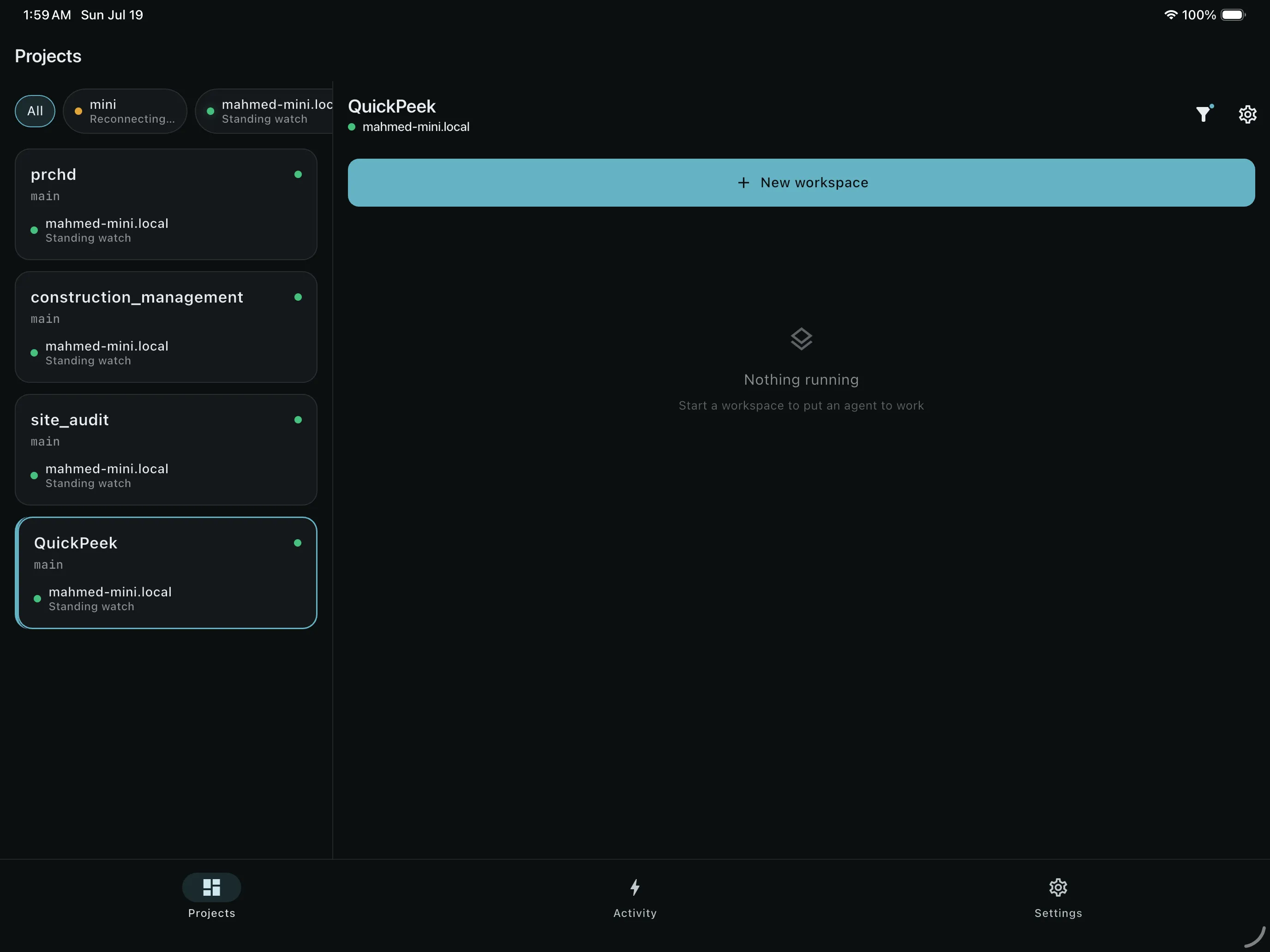
This is where the agent finds you. Scan the host’s pairing code, then reach every project and workspace on each computer you’ve paired. A Slack-only team host skips this step.

Apple
iOS / iPadOS 15.6+
Android
Android 11+
iPad two-pane view with projects from paired computers and their workspaces

Requirements

What you need depends on who it’s for.

A personal host reaches your phone over your tailnet. A team host answers in Slack instead, so its list trades Tailscale and the phone app for a Slack workspace.

For your own machine

  1. 01
    A MacmacOS 13.0 or later, Apple Silicon
  2. 02
    TailscaleOn your computer and phone, signed into the same tailnet
  3. 03
    A coding agentClaude Code, Codex, or Grok — set up and signed in on that computer
  4. 04
    The phone appiOS or iPadOS 15.6+, or Android 11+

Optional A GitHub remote and the gh CLI signed in on your computer.

For a shared team host

  1. 01
    A Mac that stays awakemacOS 13.0 or later, Apple Silicon
  2. 02
    A coding agentClaude Code, Codex, or Grok — signed in with the team’s own account
  3. 03
    A Slack workspaceWhere you can install a custom app from a manifest
  4. 04
    The repositoriesCloned on that machine, as ordinary local git checkouts

Not needed Tailscale and the phone app. Channel membership is the grant.

Next step

Pair your phone in about ten minutes.

Install Tailscale, launch the host, sign in to an agent CLI, and scan the code — from then on, the agent’s next finished turn is on your phone. A team host takes an afternoon instead, and no phone.

Older builds and release notes live on GitHub Releases.