
For the developer
A pull request review that ran the tests, from your phone
You have ten minutes away from the desk and a pull request that needs more than a skim. A useful review means running the code, and the code runs on the computer you left behind.
Pick the pull request. Your computer does the rest.
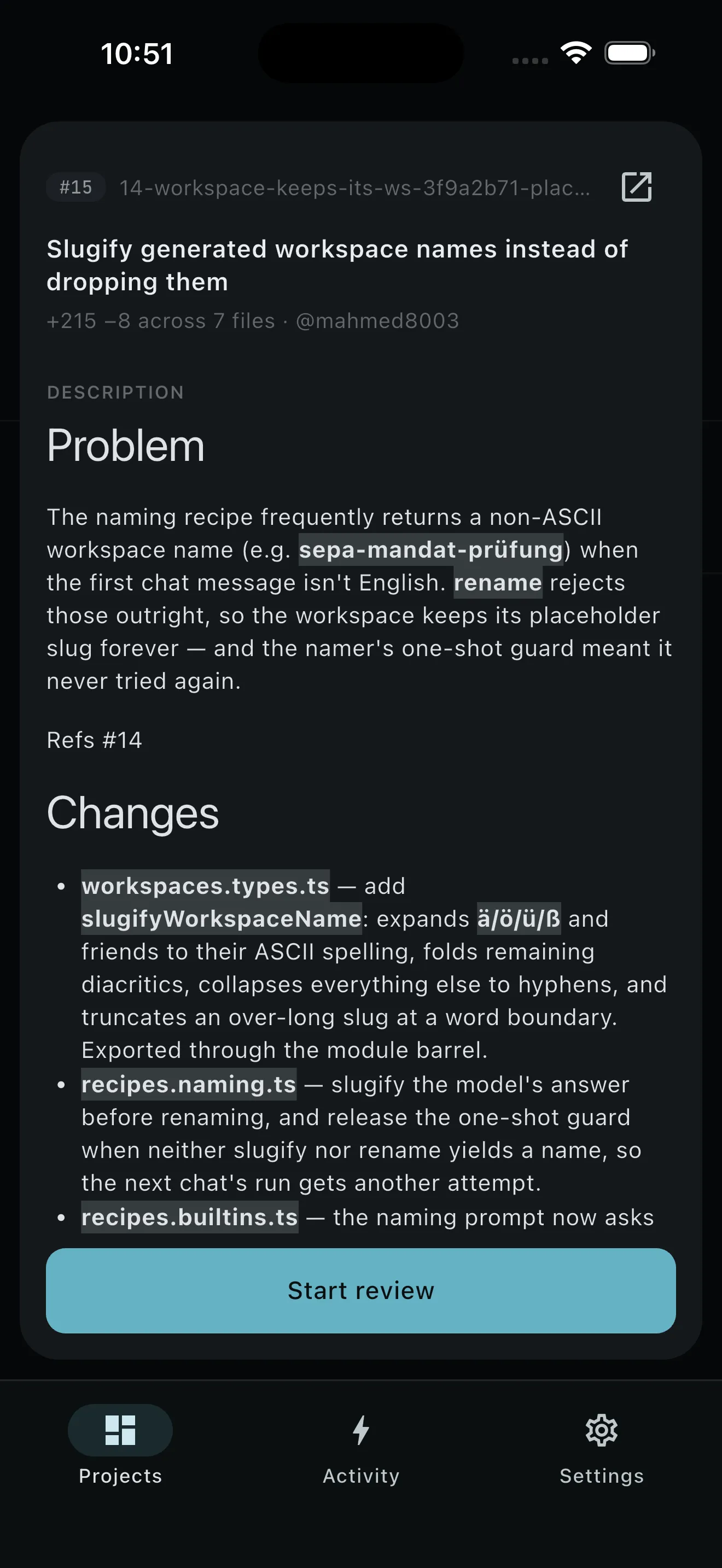
- Open Pull requests. PRCHD reads the list and full PR details through the
ghCLI already signed in on your computer. - Choose Review PR. Pick the agent model and reasoning effort. You see the task before it starts.
- Let setup run. Your computer fetches the pull request into a disposable worktree and runs the project setup script there.
- Follow it in Activity. The review appears under Running with elapsed and quiet-time cues. The phone can go back in your pocket; the review keeps going.
- Open the durable result. The agent can inspect files, build, and run tests in Work mode. PRCHD validates the structured findings after the agent finishes.
- Read the review that landed. Your computer posts one GitHub review: a verdict, a summary, and inline comments anchored to real changed lines.
It uses the gh sign-in and toolchain you already have.
Everything the review needs is on your computer: a GitHub remote, and the gh CLI installed and signed in. PRCHD stores no GitHub token. It asks gh for repository state and owns the final write to GitHub itself.
The review runs in a disposable worktree rather than your checked-out branch. That gives the agent the actual project, toolchain, dependencies, and setup script, and keeps review files out of your current work. The worktree is removed when the task ends; the result stays in Activity.
On a computer a team shares, nobody has to start it. A webhook trigger can fire when a pull request is opened: the verifier checks the delivery and extracts the number, and the review recipe the operator wrote runs under its own posture. Same worktree discipline, a different starting gun — see how a trigger admits an event.
The agent writes findings. Your computer posts the review.
Keeping the final write on your computer is what makes each task end in exactly one review. The agent is told to leave GitHub alone and hand structured findings back instead. PRCHD repairs an invalid line anchor by moving that finding into the summary, guards against duplicate posting, and refuses to approve a self-review. Reconnect or restart reconciliation can run more than once; the review still posts once.
Where the review stops and you take over.
The review informs your decision; the decision stays yours. An agent can still misunderstand a change or miss an important path, so you read the result in GitHub and decide what happens next. Merging the teammate’s pull request sits outside this task, and the phone stays a remote control rather than a GitHub administration console.
Starting a new review needs your computer to be reachable; there is no offline queue. A review already running continues on your computer and reappears when you reconnect. Push is optional; when enabled, your computer must be connected to the PRCHD notification service, and the notification carries no code, pull request text, or review comments.
The tests run at your desk. You read the review anywhere.
Your computer brings its own toolchain, dependencies, and setup script to every review. You bring ten spare minutes.